
Release notes · October 2026
What’s new in3.1.2.
Classical phrasing for every solo voice, pronunciation and vibrato you set yourself, Isaac, a new tenor, new languages and a new plugin window.
macOS and Windows · your projects and settings stay as they are
Watch the tourTwo minutes on a real score, with soundAWatch
Everything new, on one page of score.
Silver Apples, sung by Ottetto. The tour plays the real plugin window from this release; the narration can be turned off in the bar under the picture.
BClassical phrasing
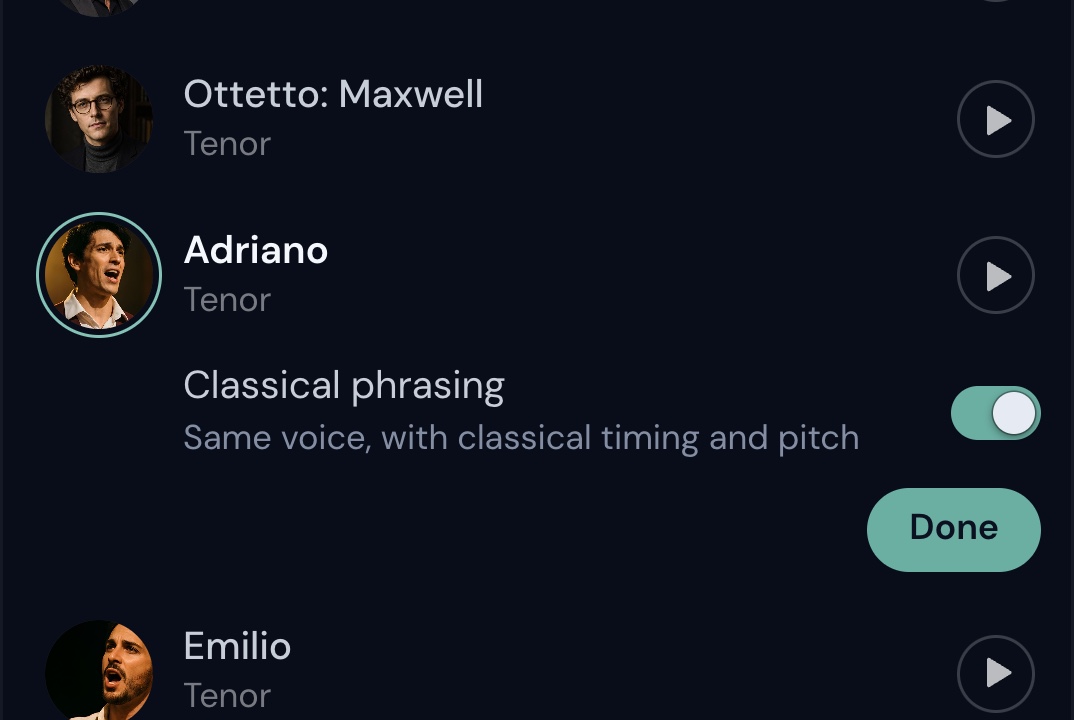
Same voice, classical timing.
A new switch on every solo voice. The singer keeps their own voice and takes the timing and pitch of a classical ensemble singer.
CPronunciation
Word for word.
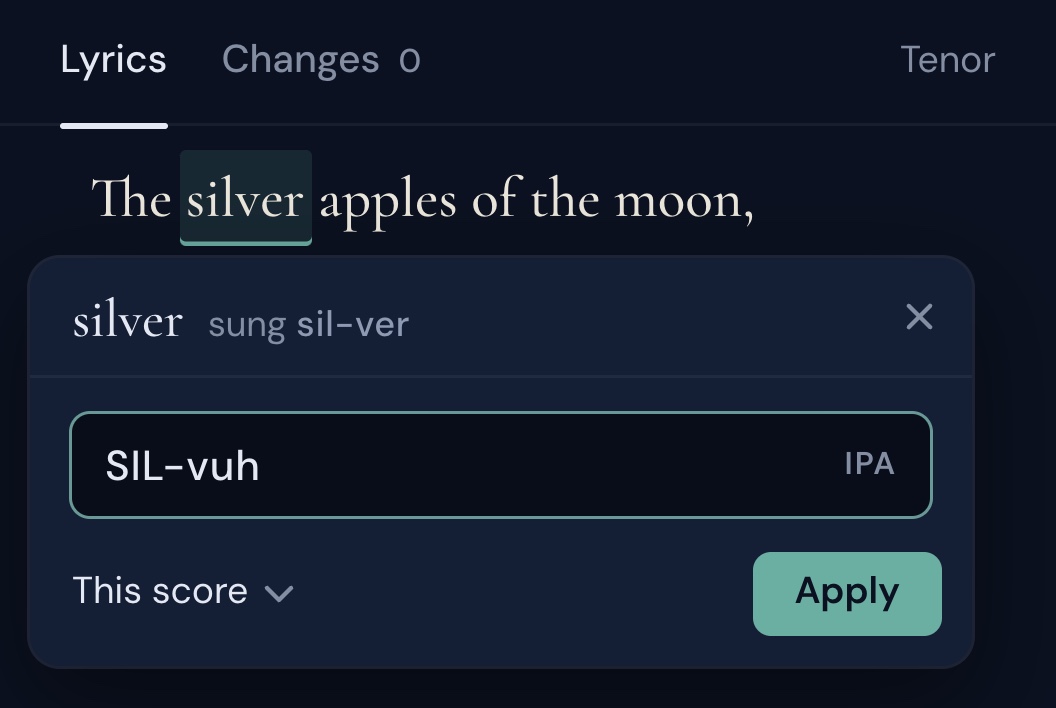
Settings › Pronunciation shows the lyrics of the part. Click a word and write it the way it should sound, or in IPA.
- Choose where it applies: just here, the whole score, or all your scores.
- Only that word changes. Every other word is sung as before.
DVibrato
Straight to wide.
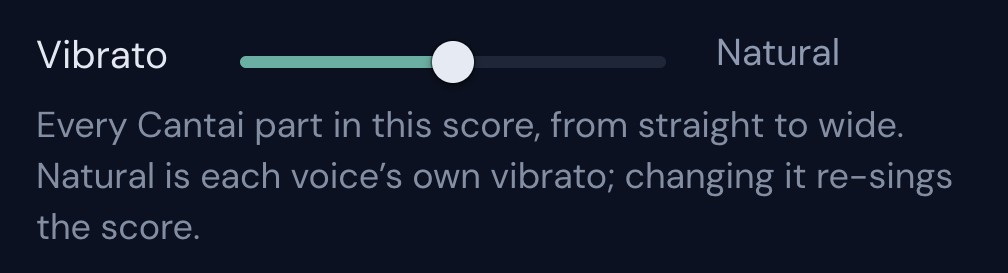
One slider in Settings › Playback sets the vibrato of every Cantai part in the score. Natural is each voice’s own; changing it re-sings the score.

EA new voice
Meet Isaac.
A new operatic tenor, in the voice list now. Here he is on the tenor line of Silver Apples.
FLanguages
Two new languages.
Italian and Portuguese, in its European and Brazilian forms. Both are marked Experimental in the language menu for now, and native singers have already shaped their pronunciation. English now comes in American and British, and Japanese is coming soon.
GThe window
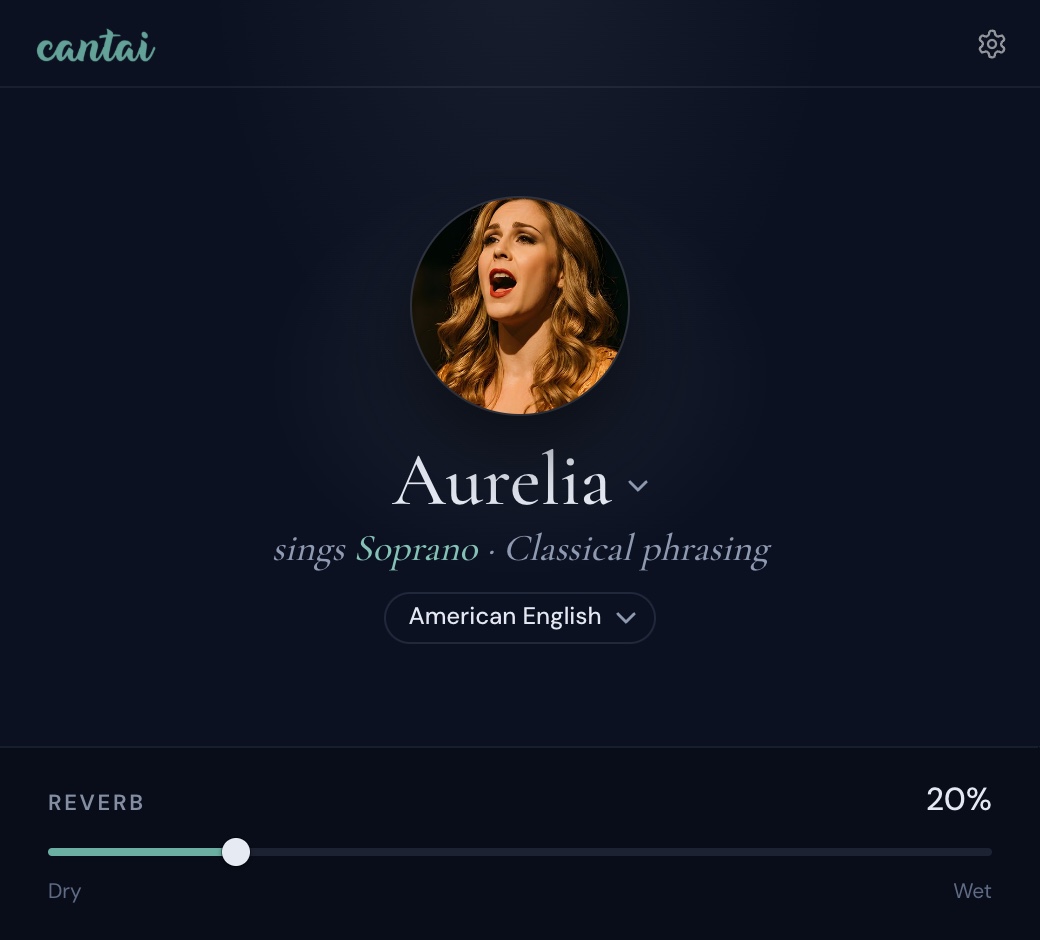
A new window, with the singer on a stage.
The portrait, the part they sing and the language sit together; Settings moved behind the gear.
- One level for all of Cantai. Settings › Playback sets the level of every Cantai part at once, and dynamics follow your notation app like your other instruments.
- Hear a singer before you choose. Every voice in the list has a sample; press next to it.
- No silence while it renders. Press play before a part is ready and the built-in synth plays what isn’t sung yet; the singer comes in as each piece arrives.
- When Cantai can’t sing, it says why. Engine missing, not activated, or a render that failed, in plain words in the window.
- Write to us from Settings. Support sends your message with the logs attached, even when the engine won’t start.
HThe engine
Better singing, everywhere.
Smoother phrasing
Phrases flow all the way to their last note, instead of fading early before a rest.
Notes stay on the beat
Dorico’s legato overlaps notes slightly. Each overlap used to push the rest of the phrase late. Now every note starts on time.
Long held vowels finish rendering
A melisma held across a whole part used to be one huge piece some computers couldn’t finish. Now it’s cut every 32 seconds, on the same vowel.
IEverything in 3.1.2
The whole release, as a list.
Try it on your scores.
Install the early build from your beta page. Your projects, voices and settings stay as they are, and when 3.1.2 comes out, its installer updates this one.